
Your screen.Your way.
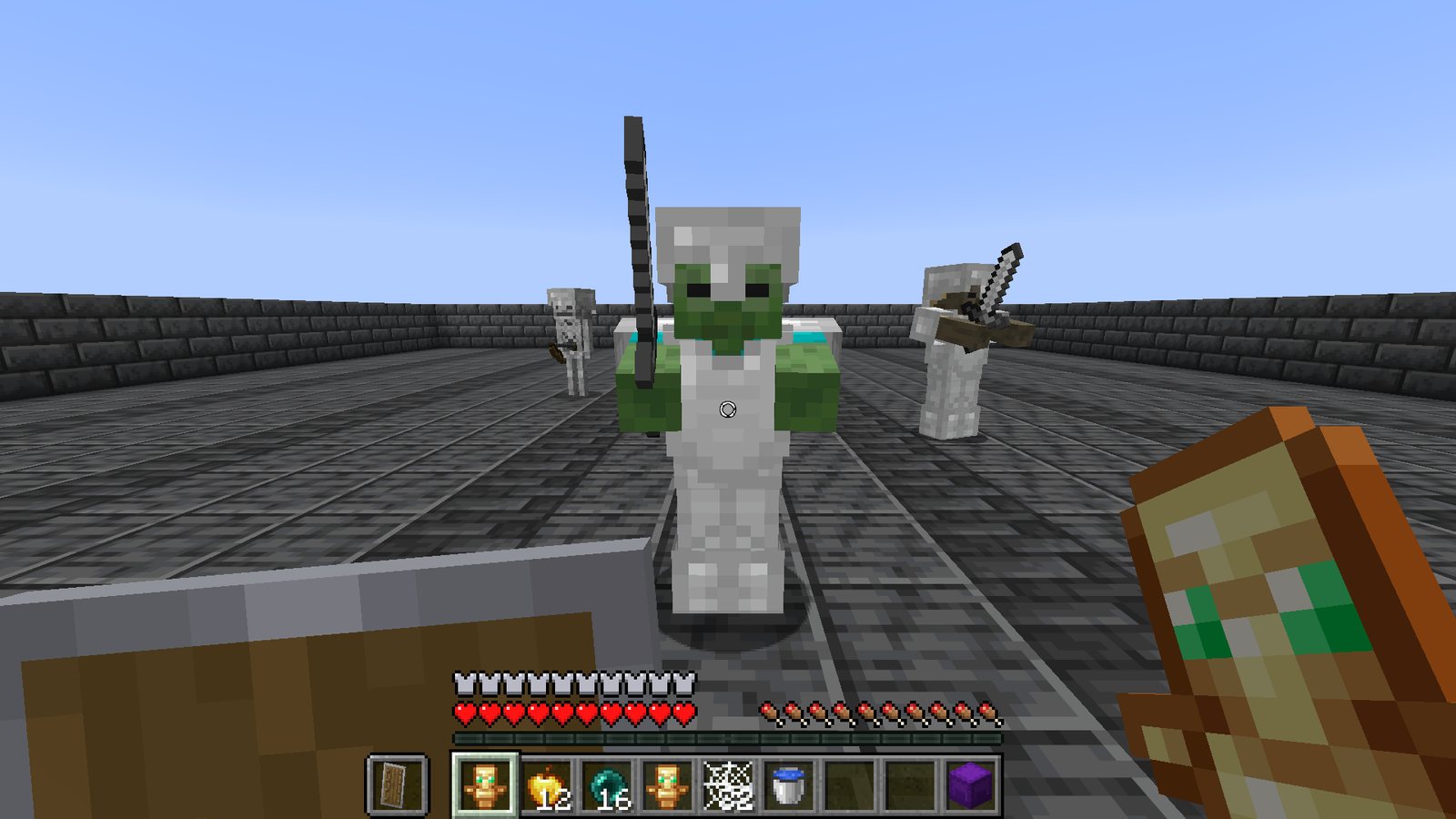
38 client-side PvP modules for Fabric, in one menu. Hitboxes, keystrokes, armour bars, shield and totem size, fullbright and the rest, each with its own switch.
Arrange your HUD. Drag it anywhere.
Widgets snap to the screen edges, the centre lines and each other, and keep their place at any window size and GUI scale. Try it here with sample values.
FPS 144
PING 23 ms
CPS 11 | 3
COMBO 4
WASDLMBRMB
Speed II 12:34Strength II 6:31
One jar per version. The same 38 modules.
Pick your Minecraft version. Every build has every module, and one config file works across all of them.
1.21.9 is not supported. Release candidate 1.0.0-rc.8: every build passed the full in-game test suite in singleplayer, not yet tested on multiplayer servers.
- Install Fabric Loaderfor your Minecraft version, from fabricmc.net.
- Drop two jars in
modsAspenClient and Fabric API for the same version. Mod Menu is optional. - Press Right Shiftin a world, and switch on what you want.